Every item below already ships in the extension. None of it is a roadmap.
Real-time AI dubbing
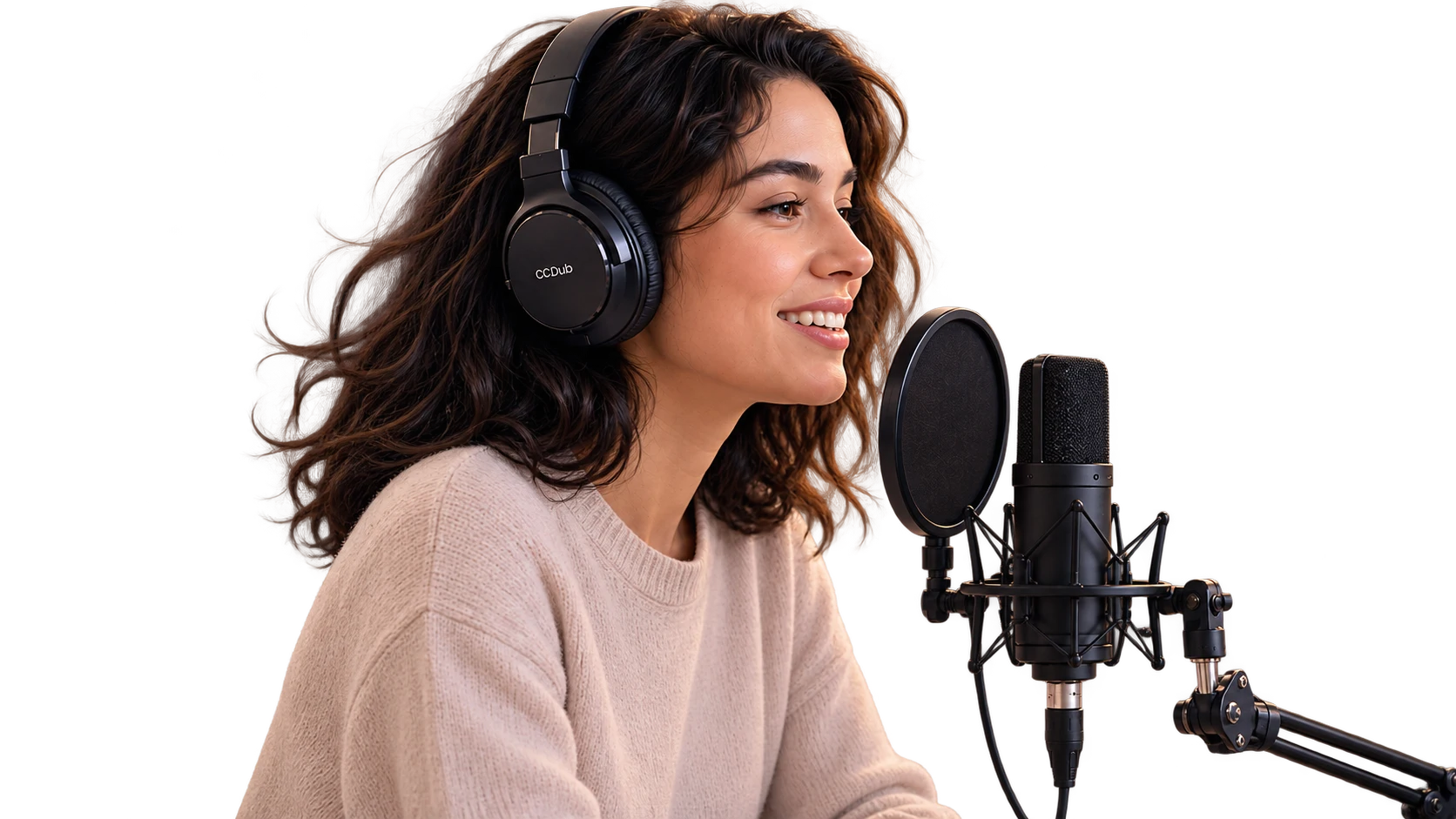
Turns the translation into a natural voice that plays along with the video. Original and dubbed volume are set separately, so you can drop back to the original any time.
Bilingual subtitles
Original and translation on screen together, so you can check the wording at a glance.
Voice cloningPRO
Record seven seconds of your own voice, and the dubbing speaks the foreign language in it.
7s
Word explanation assistant
Click any word in the subtitles and an explanation streams in, read aloud on request — no need to leave for a dictionary.
Caption track required
CCDub currently requires an existing caption track. Videos without captions are not supported yet; real-time transcription is planned.
16 kHz
Transcript sidebar
Search the whole transcript, follow along as it plays, and export to TXT / SRT in original, translated or bilingual form.
TXTSRT
Adaptive dub speed
Speeds up to catch fast speech and settles back into the stable range afterwards, so the dub never drifts further and further behind.
0.8× – 1.5×
Word-by-word highlight
Subtitles highlight word by word, karaoke style, making it much easier to follow along by ear.
Subtitle styling
Set font, size and color separately for the original and the translation, and drag the subtitle block wherever it suits you.
Learning mode
Mark the languages you are learning, and those videos ask first: train your ear on the original, or just listen to the dub.
Ads stay out of the way
Dubbing pauses when YouTube rolls an ad and resumes afterwards, so the ad copy never gets read out too.
Bring your own keyoptional
Plug in your own DeepSeek, OpenAI or Gemini translation key and Azure speech key. Configuring none of them is perfectly fine.
DeepSeekOpenAIGeminiAzure